We’re thrilled to welcome you to the Ratio community.
RATIO is a Responsive HTML5 Template that is built specially for those who want to build a website.
So, if you want to build your website, RATIO is the best option for you. RATIO is easy to customize, and mobile friendly.
All the codes are clean and well-commented, so anyone can get it and easily update the template
Created by: RaoaTech
This template works fine in all major browsers. All the codes are commented properly so that anyone can easily edit. You will find
commnets in each section.
If you have any questions or encounter any issues, our dedicated support team is here
to help. You can reach out to us anytime via our support portal:
RaoaTech Support Team.
Features
3 Home page variation
6 inner Pages
Swiper Slider
Slider Revolution
Fully Responsive
Bootstrap Framework
Mobile First Design
W3 Valididate HTML5
Well Commented Code
Google Map
24×7 Support
Folder Structure
You will find all the pages in the Template folder.
All the identical CSS files are in the identical folders. Like the css files of about us page placed in the about us folder.
All the common css files like bootstrap.css, swiper.css.. files placed in the common cssfolder.
All the common js files like bootstrap.js, swiper.js.. files placed in the common js folder.
In the fonts folder you will find the necessary files for icon font.
Structure of the HTML files
You will find all the html in the root of Template folder
At the top of the page you will find all the imported cssfiles
At the top of the page you will find all the imported jsfiles
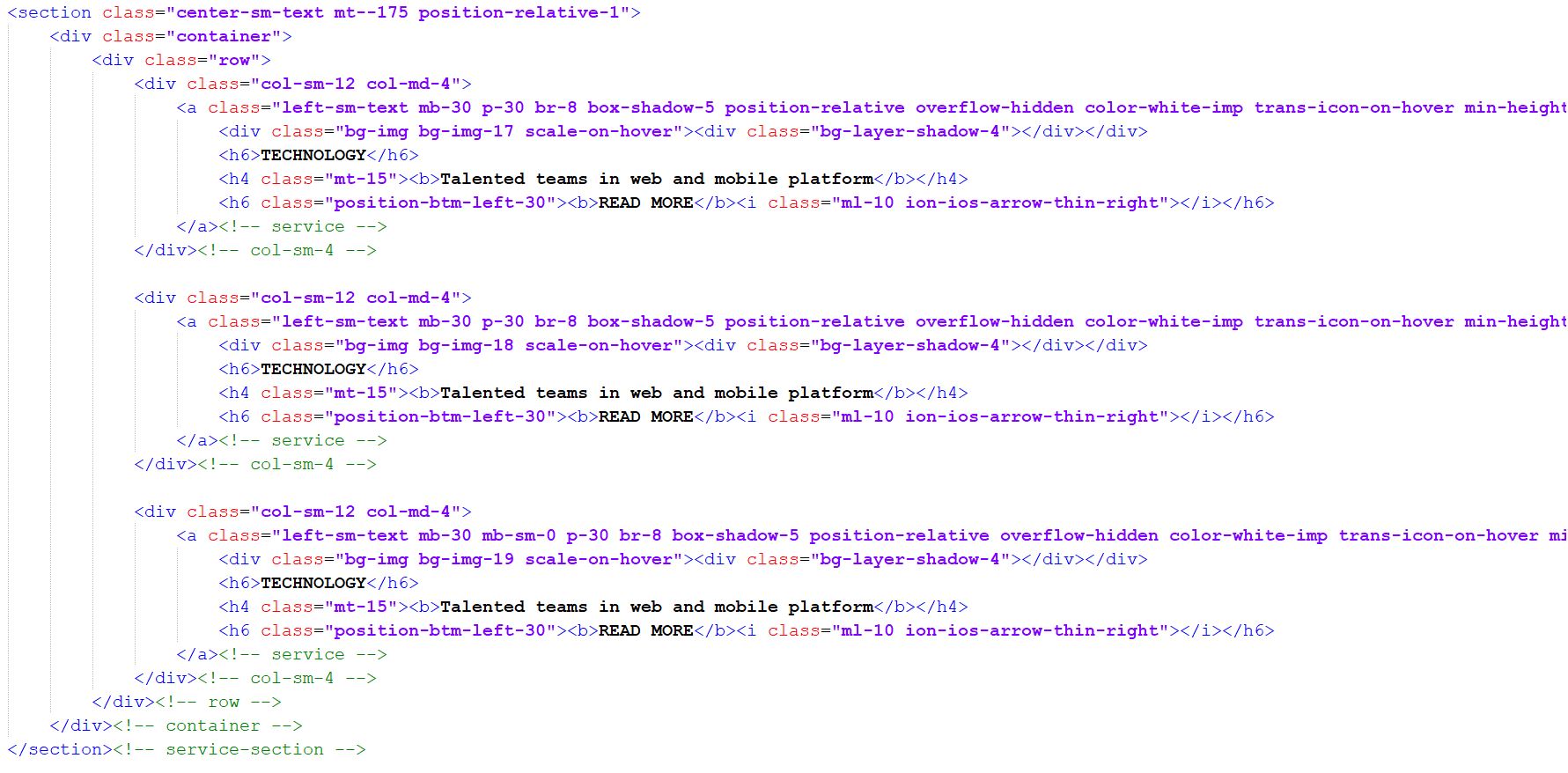
In every block of code you find the comment of the class namein the closing of the element.
Structure of the CSS files
You will find the cssfiles in the common folder.
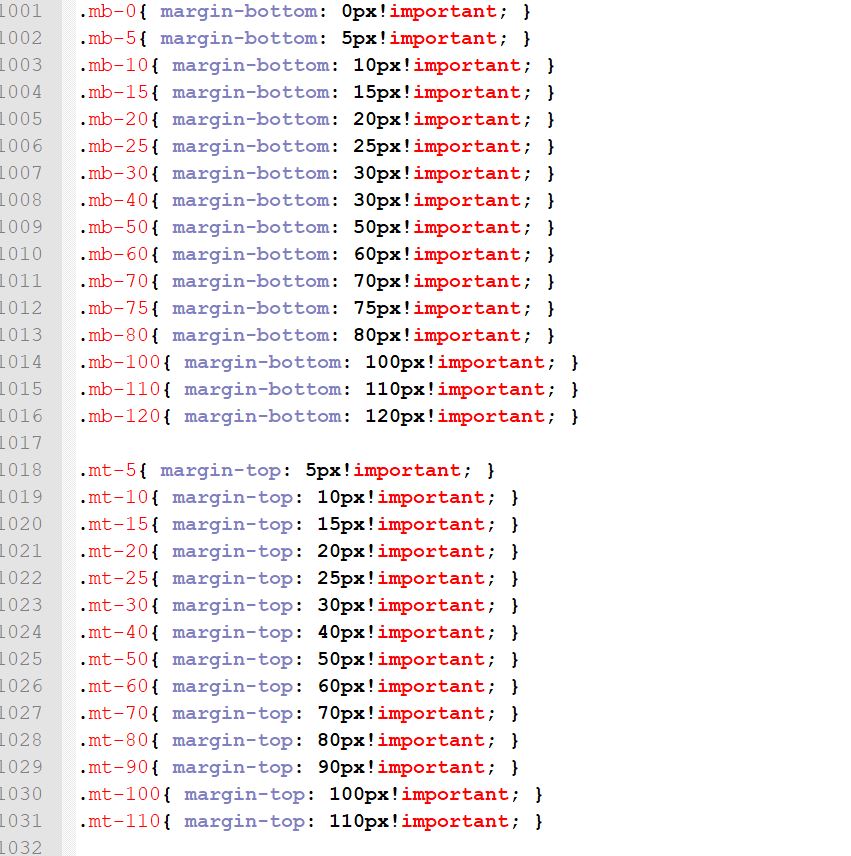
All the css codes of the design are located in the styles.css file.
For every block ofcss design there are comment at the top to the section
Structure of the JAVASCRIPT files
You will find all the script files in the common-js folder.
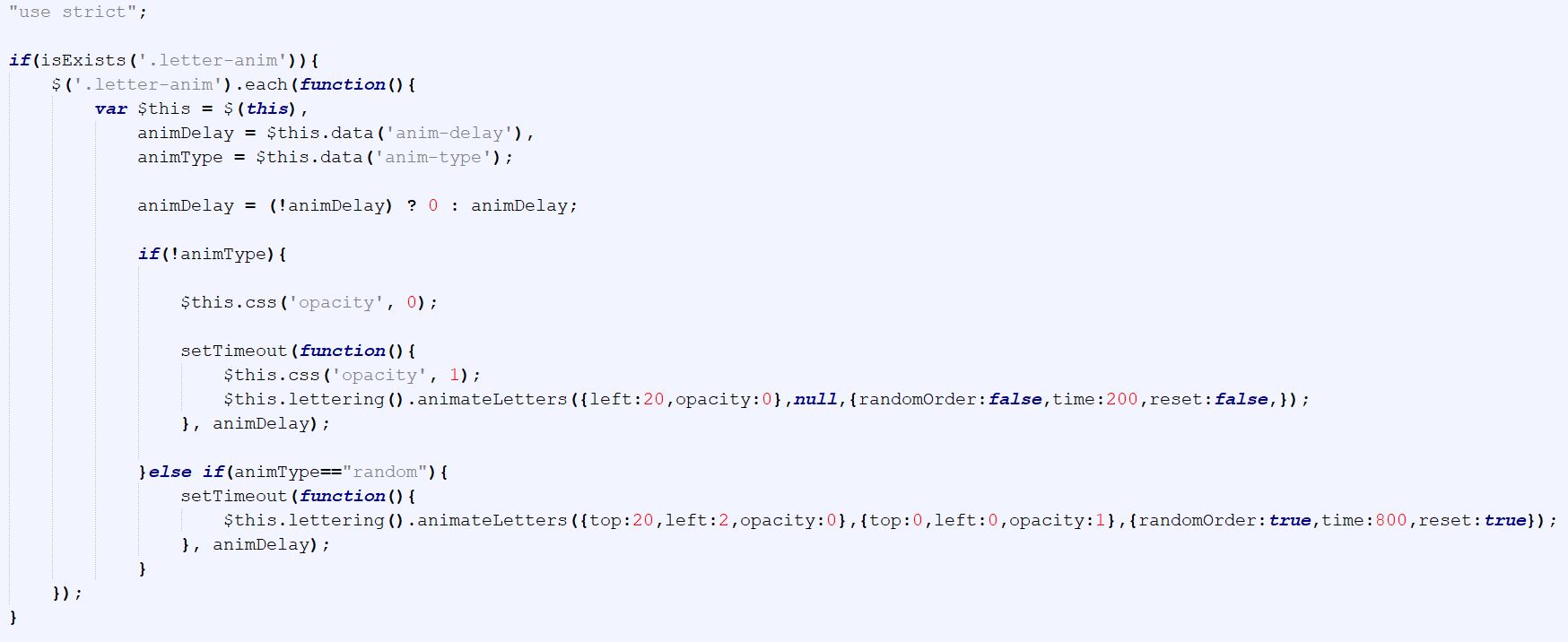
All the main codes are located in the scripts.jsfile
You will find all the jquery plugin files in the common-js folder
Template Update
Before you update, it is best practice to always make a backup of your files.
Download the new template package from your ThemeForest account.
The template is under template folder in the package
All of
RaoaTech items come with 6 months of included support
and free lifetime updates for your template. After 6 months of support, you have the
opportunity to extend support coverage up to 12 months