
What UI and UX mean in a Figma file
A handsome screen can still fail. UI is the arrangement of controls, type, and color. UX is the path: what the person is trying to do, what they see first, and what happens after they click.
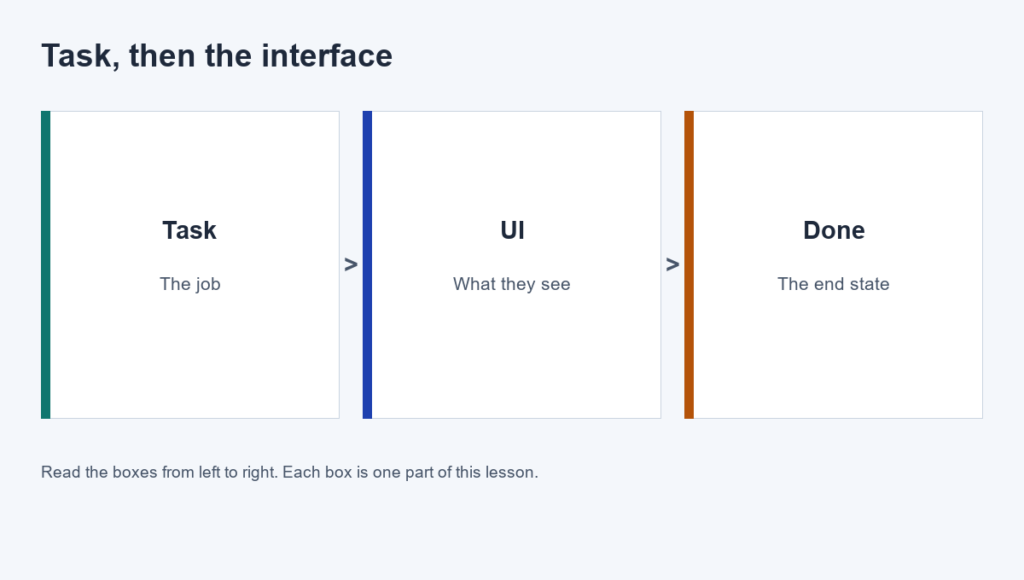
In Figma, keep those jobs visible. Put the task in a note at the top of the page. Put the screens in frames below it. If a frame does not serve the task, it is decoration, even if the spacing is perfect.
Write the task before the frame
- The person and the job, in one sentence.
- The first screen they need, not the screen you feel like drawing.
- The done state: what "finished" looks like.
Watch Figma, "What's Figma?" as the short orientation to the tool. This lesson names the two jobs you will do in the file: the interface on the frame, and the task the prototype must finish.
Practice
Write the task sentence above a blank Figma page. Example: "A returning student resets a password and lands on the course home." Do not draw until that sentence exists.